


.svg)
.svg)
.svg)
.svg)





 Up
Up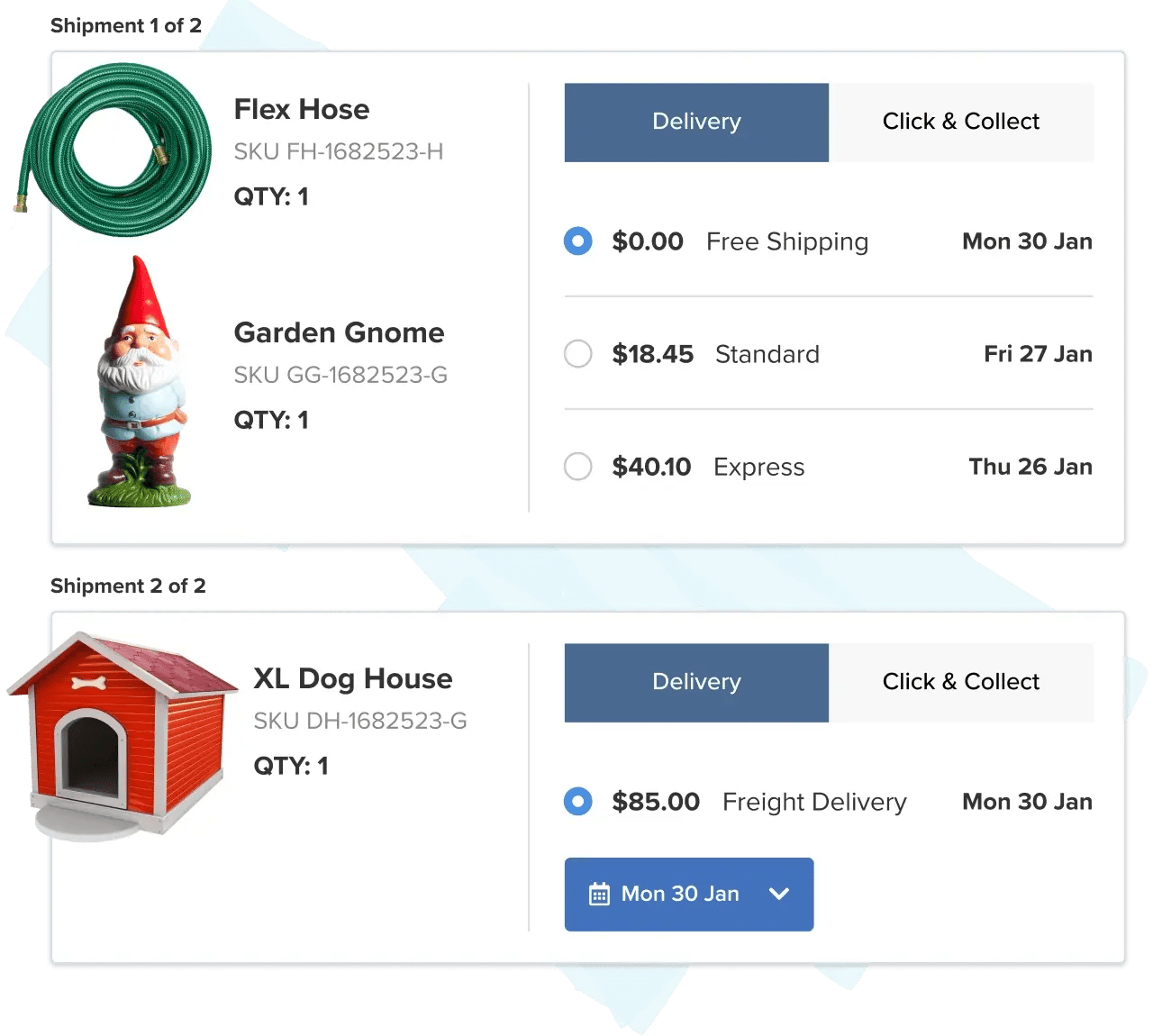






FAQs
What’s the difference between a standard checkout and Enhanced Checkout with ShipperHQ?
Standard checkout uses your ecommerce platform’s native flow with ShipperHQ providing rates, delivery estimates, and shipping options based on your rules.
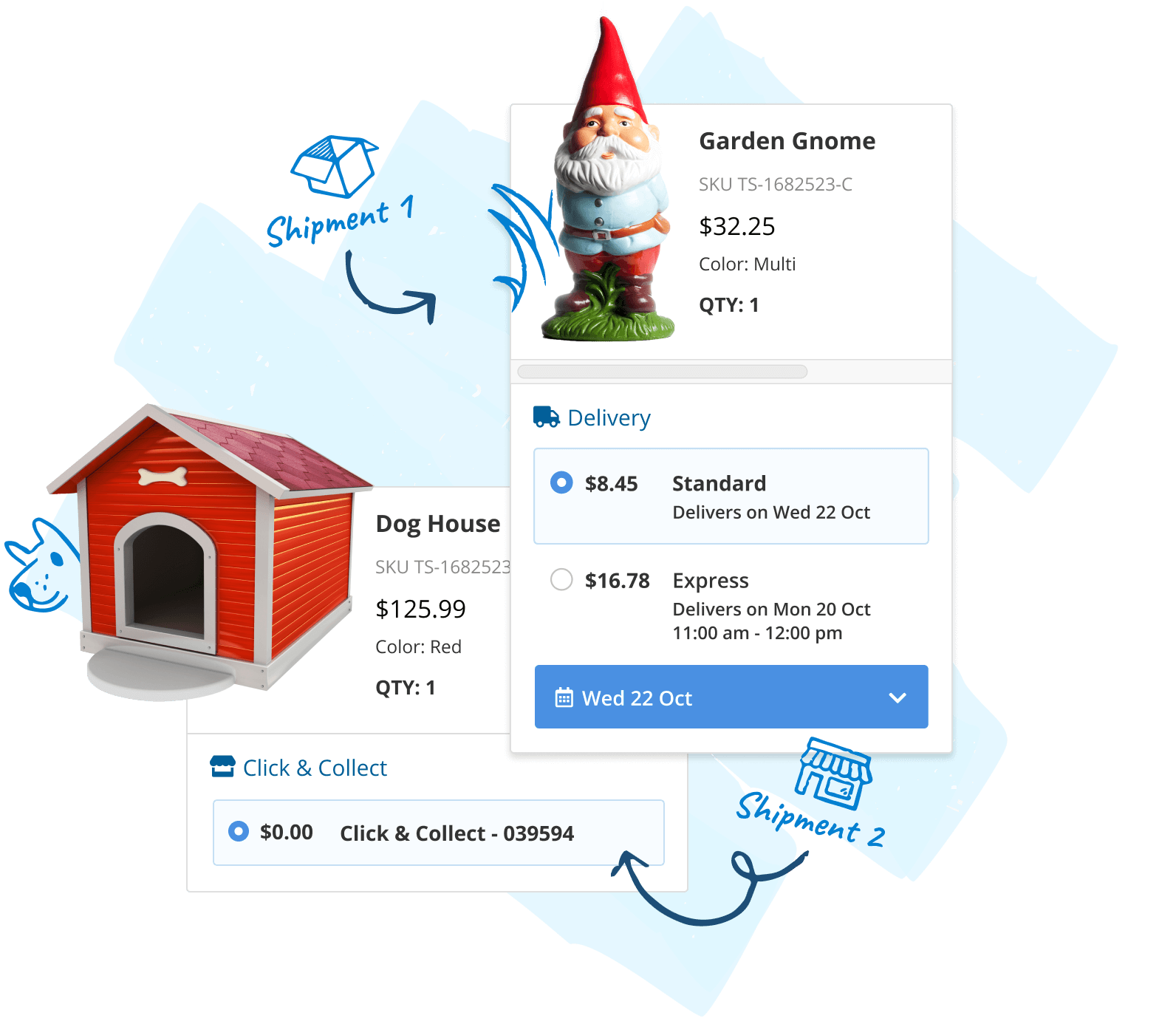
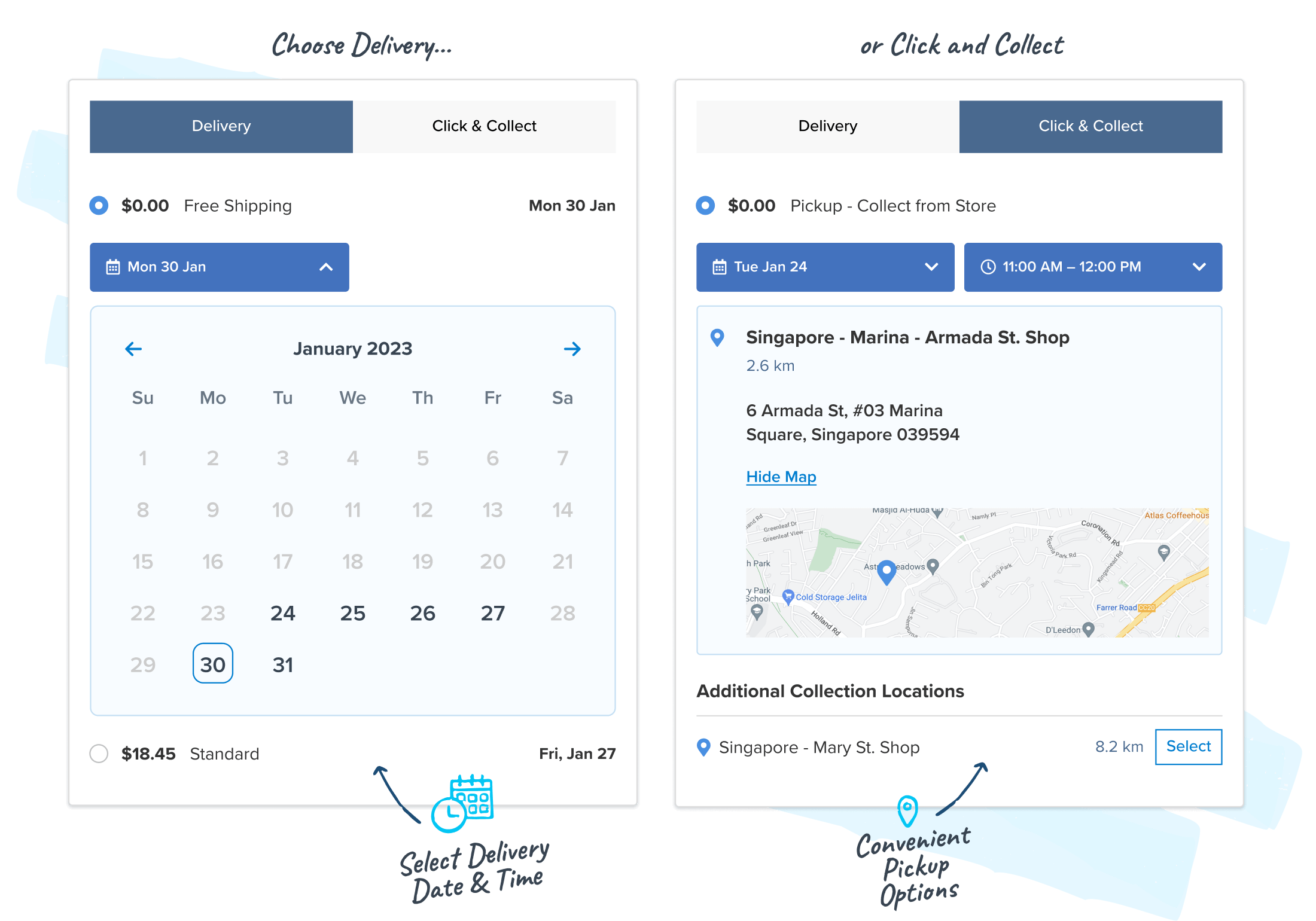
Enhanced Checkout replaces the default shipping section with a fully customizable interface. It gives customers more control and visibility, including:
- Date and time slot selectors
- Interactive calendar display
- In-store pickup with map-based location selection
- Separate delivery options for mixed carts and preorders
Enhanced Checkout is designed for merchants who want to deliver a more personalized and conversion‑focused checkout experience to their customers.
Which eCommerce platforms support ShipperHQ’s Enhanced Checkout feature?
Enhanced Checkout is supported on the Enterprise plan of ShipperHQ and works with major platforms like Shopify Plus, Adobe Commerce, Magento 2, and BigCommerce.
Some advanced features such as LTL accessorials, address type selectors, and custom carrier fields, may have limited support on BigCommerce and Shopify Plus.
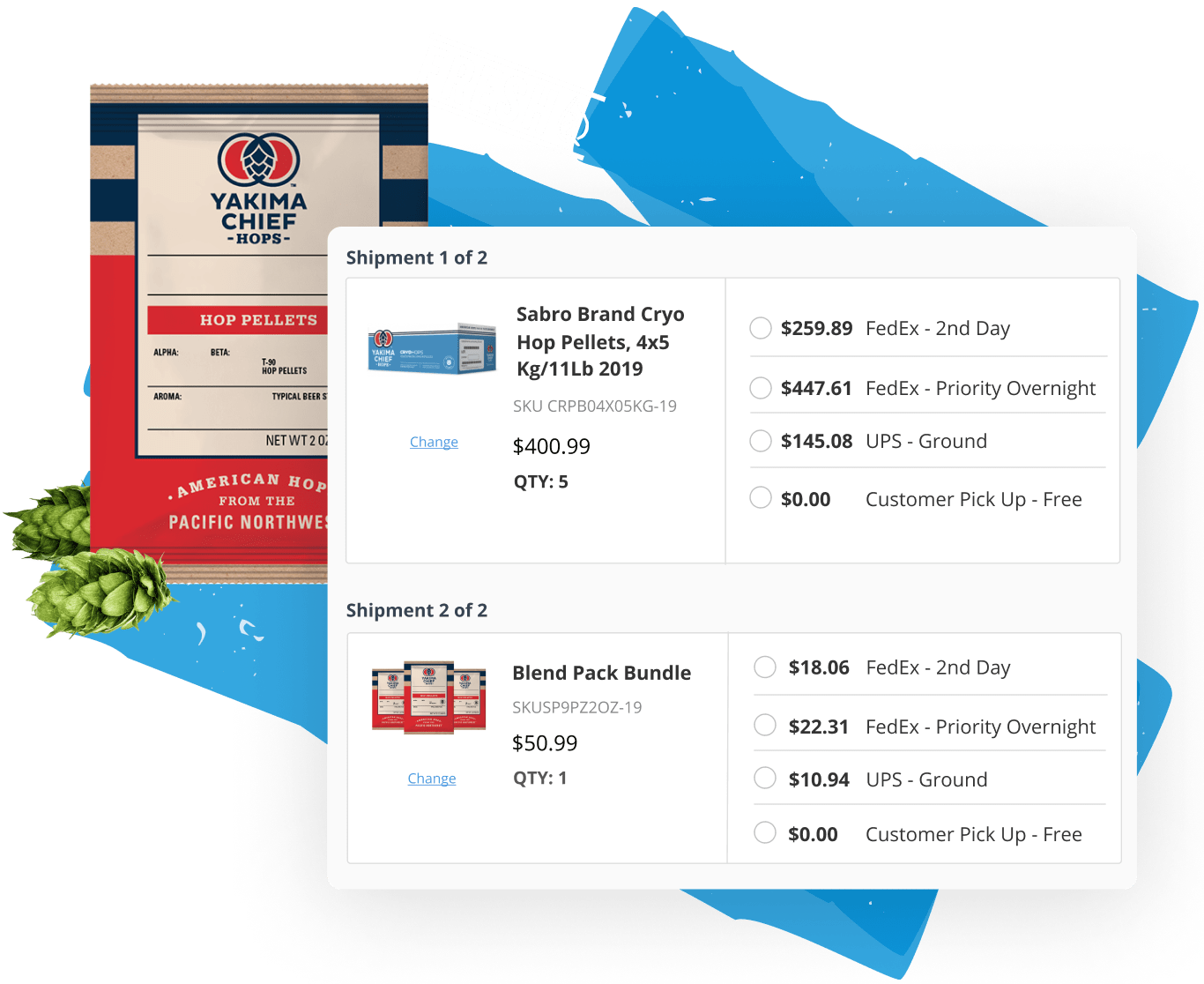
Split shipping is supported on Shopify Plus but is not currently available on BigCommerce.
Can custom theming be applied to Enhanced Checkout on Magento 2/Adobe Commerce?
Yes. On Magento 2 and Adobe Commerce, you can apply custom styles to Enhanced Checkout using a combination of field translations and custom CSS overrides so the checkout experience matches your brand design & look and feel.
Can customers select delivery dates and time slots at checkout with ShipperHQ’s Enhanced Checkout?
Yes. Customers can choose an exact delivery date and, on supported platforms, delivery time slots using an interactive calendar at checkout.
This is especially useful for high‑value, perishable, or time‑sensitive orders where the customer needs delivery clarity before placing the order. For example, someone ordering a birthday cake can select delivery for the morning of the party to ensure it arrives fresh and on time, not late or when no one is home.
Does Enhanced Checkout support preorders and in-stock items in the same order?
Yes. It supports separate delivery methods, shipping costs, and delivery dates for preorder and in-stock items within a single cart.
This gives your customers full visibility into how and when each item will arrive, reducing doubts and helping you increase order value.
How does Enhanced Checkout help ensure orders ship on time to meet promised delivery dates?
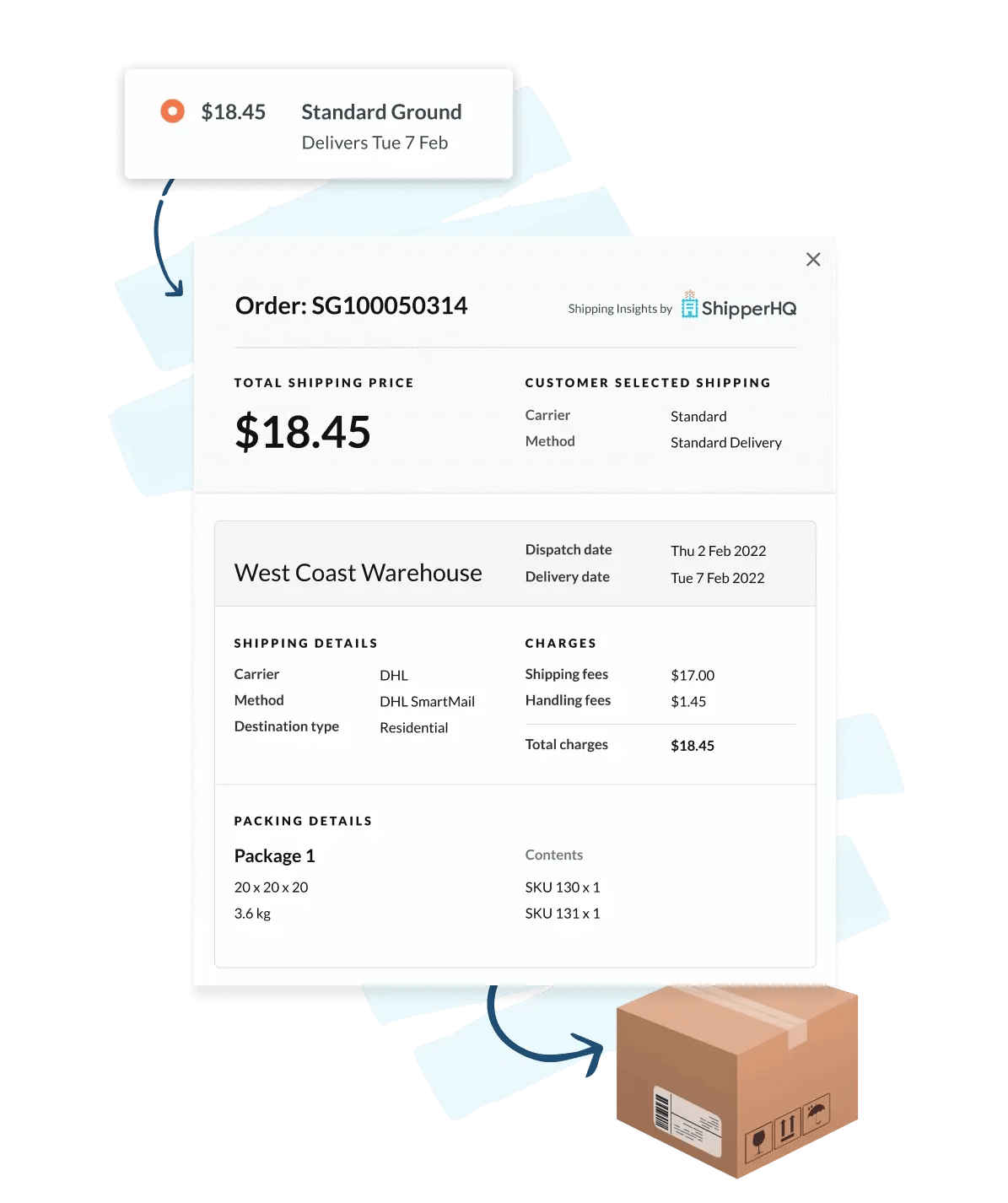
Enhanced Checkout integrates with Shipping Insights to provide detailed order‑level shipping data your fulfillment team can act on. Your team gets:
- The selected carrier, service, and shipping cost
- Package-level packing details with visual diagrams
- Required dispatch date based on delivery promises
- Shipping origin and method for each part of the order
This data can sync with your OMS or ERP, helping them ship on time and meet the delivery promises more often.